v 0.4 · field instrument

How open is the wind­break?

Upload a batch of side-on photographs of a shelterbelt. The instrument returns a defensible porosity figure, per-photo quality scoring, and a report you can hand to a farmer, an agronomist, or a carbon programme.

2 free trial scans · No card required · Sign up free for 20 / month

§ 01 — Capabilities

An instrument for fieldwork, not a stock-photo dashboard.

§ 01

Capture & quality

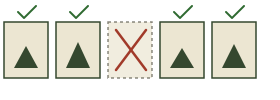
Process whole drone shoots in one pass. Each frame is judged individually so blurry or sky-less photographs never reach your average.

  • Batch upload — dozens of frames per windbreak in one go
  • Per-photo quality scoring — blur, exposure, sky position, contrast
  • Auditable binary masks — every figure paired with what was measured

§ 02

Visual analysis

See where the structural issues sit, not just an aggregate number. Visual outputs are designed to be defensible in a client report.

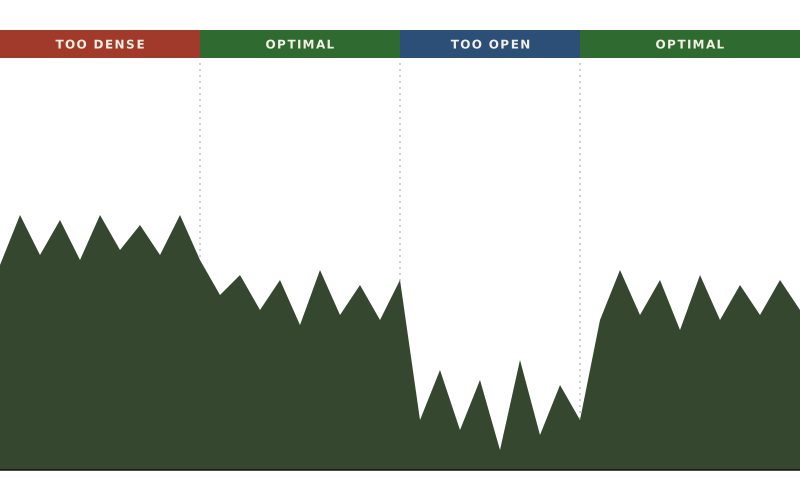
  • Spatial heatmap — red dense, green optimal, blue open
  • Weak spot detection — pinpoints sections by relative position
  • Three-zone breakdown — upper canopy vs trunk vs lower zone
§ 03

Decision support

Translate porosity into the questions a farmer or agronomist actually asks: how much wind does it stop, and is this even a like-for-like measurement?

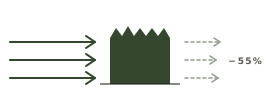
  • Wind reduction estimate — indicative range & protection distance
  • Batch consistency check — warns if photos don't cluster
  • Time-based comparison — track change between past batches
§ 04

Workflow & export

Built for fieldwork, not a demo — the small touches that stop you re-shooting a whole flight because of one mistake.

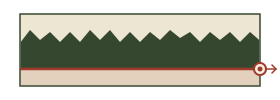
  • Visual ground mask — drag a cutoff to ignore ground & buildings
  • Per-image cutoffs — set each photograph individually when framing varies
  • CSV export — every metric, every photo, batch summary included
§ 02 — Procedure

Three movements, from field to figure.

  1. Capture & upload

    Side-on photographs of the windbreak with sky behind the trees. JPG or PNG. Drag a folder of drone shots into the analyzer.

  2. Calibrate the cutoff

    Drag the band on the preview to mask anything below the canopy you don't want measured — grass, fences, bare ground.

  3. Read the result

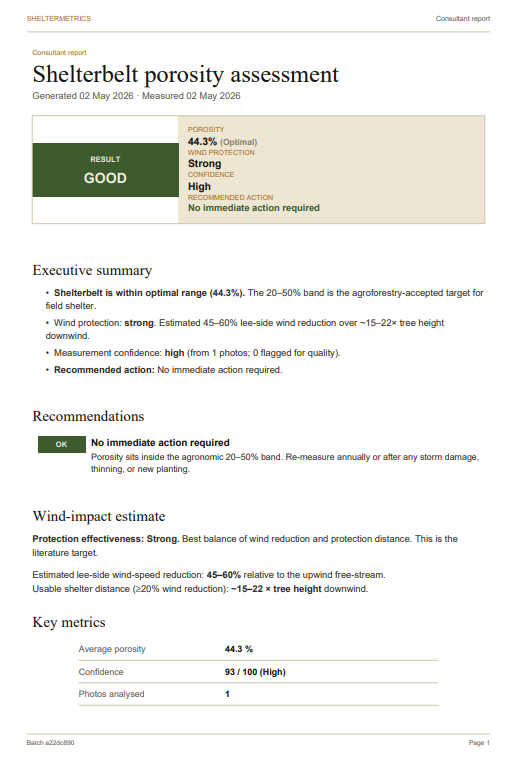
    A per-photo porosity figure, a filtered batch average, and a confidence label for the set. Export, archive, share.

§ 03 — Audience

For people who measure things in the field.

Stop estimating. Start measuring.

TWO FREE TRIAL SCANS · 20 PHOTOS / MONTH FREE WITH AN ACCOUNT · NO CARD

Try it now